Live Telemetry
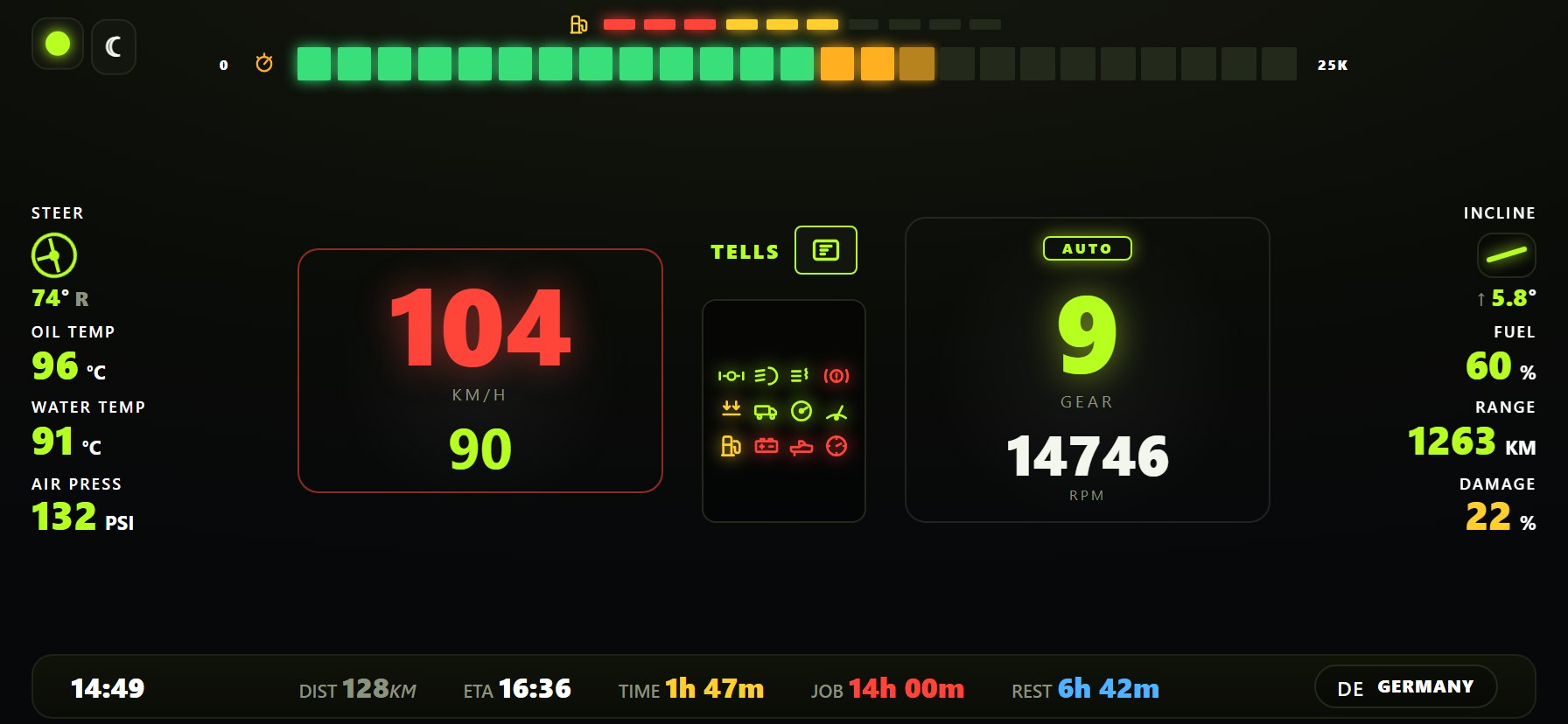
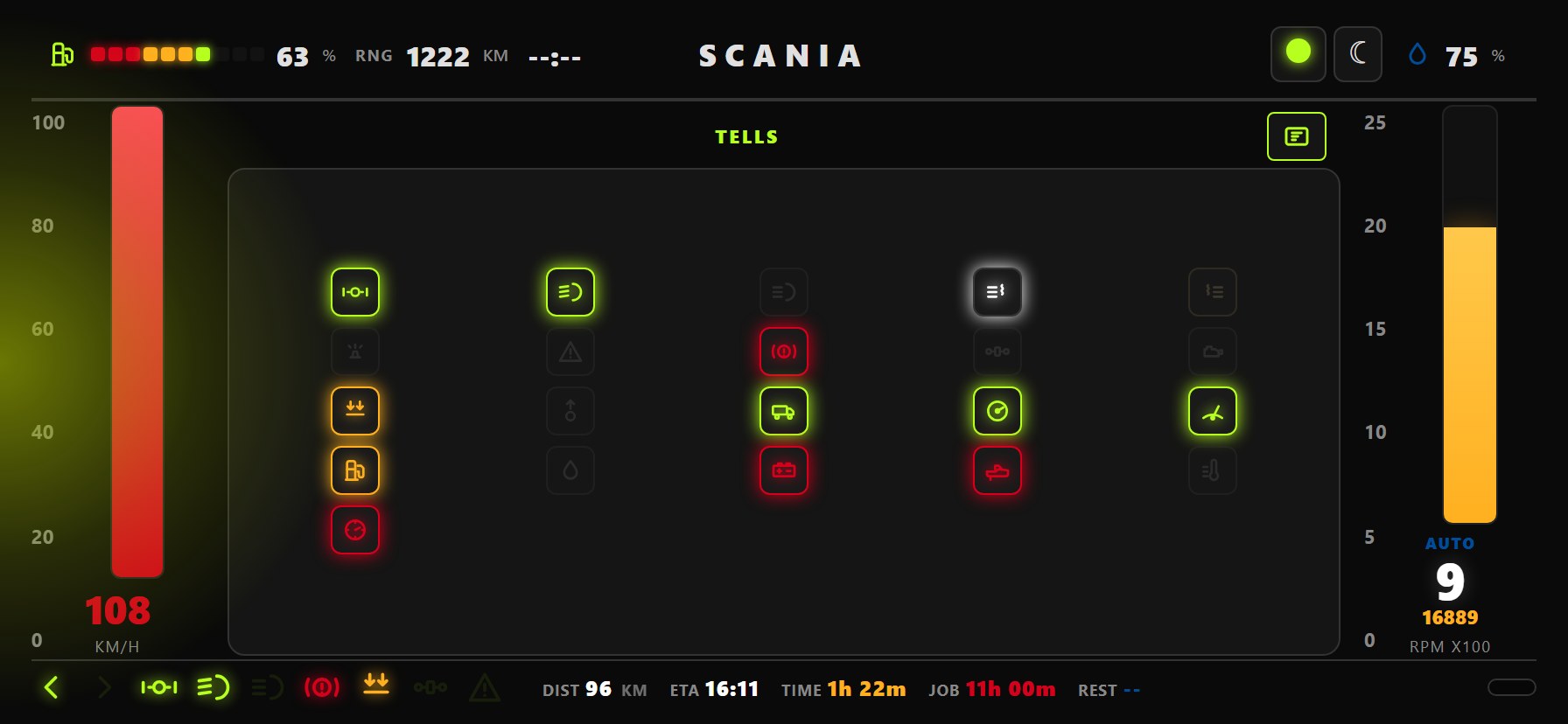
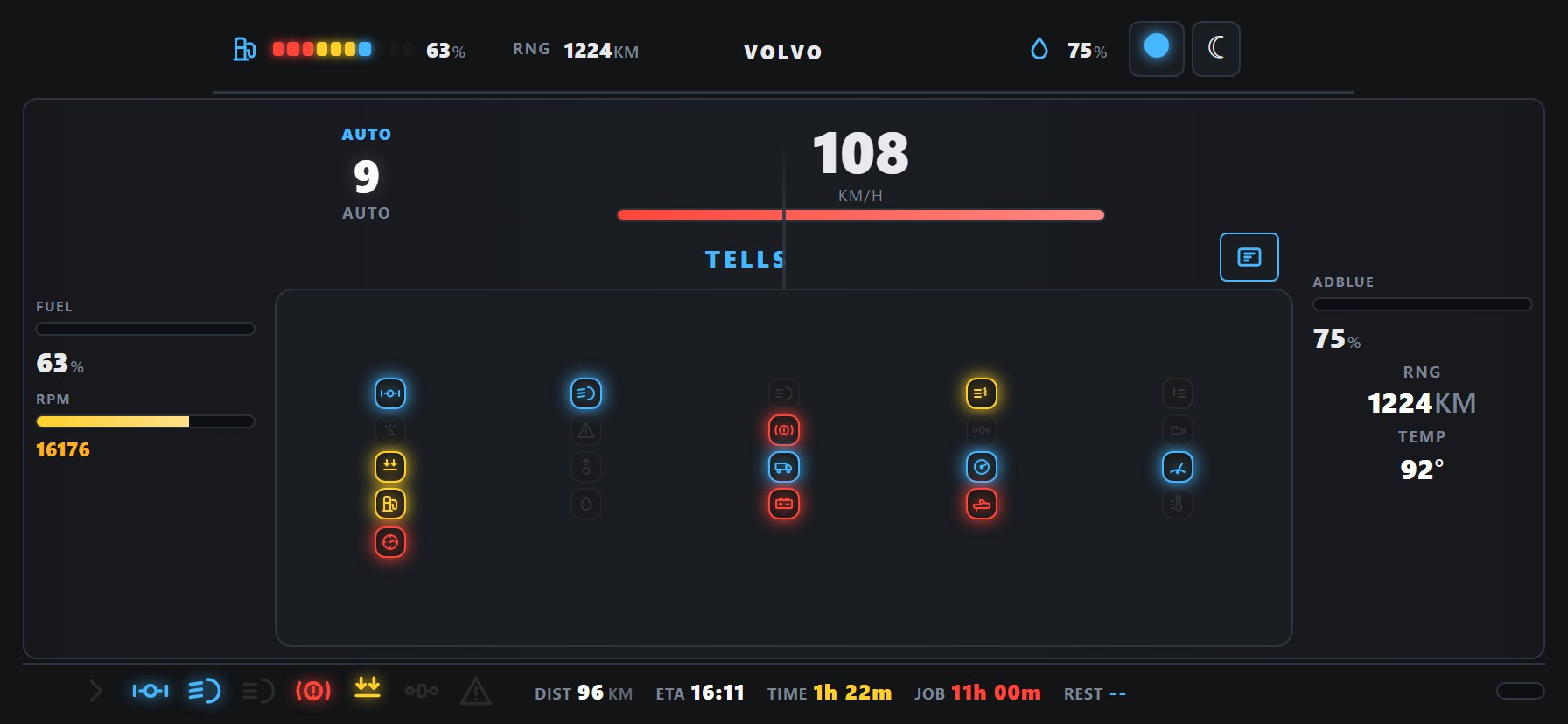
Real-time data from the game engine — speed, RPM, fuel, temps, and job progress updated instantly.
DISPATCH · TRUCKDECK 1.6.6.43
Free ETS2 & ATS telemetry dashboards — teal HUD, ATS state flags, PC voice warnings, and a full Windows bundle: Multimon, Input Bridge, Head Tracking, and TruckDeck NAV. One installer. Phone or tablet as your dash.
OEM-inspired and custom layouts for phone, tablet, or second monitor.
TruckDeckDash
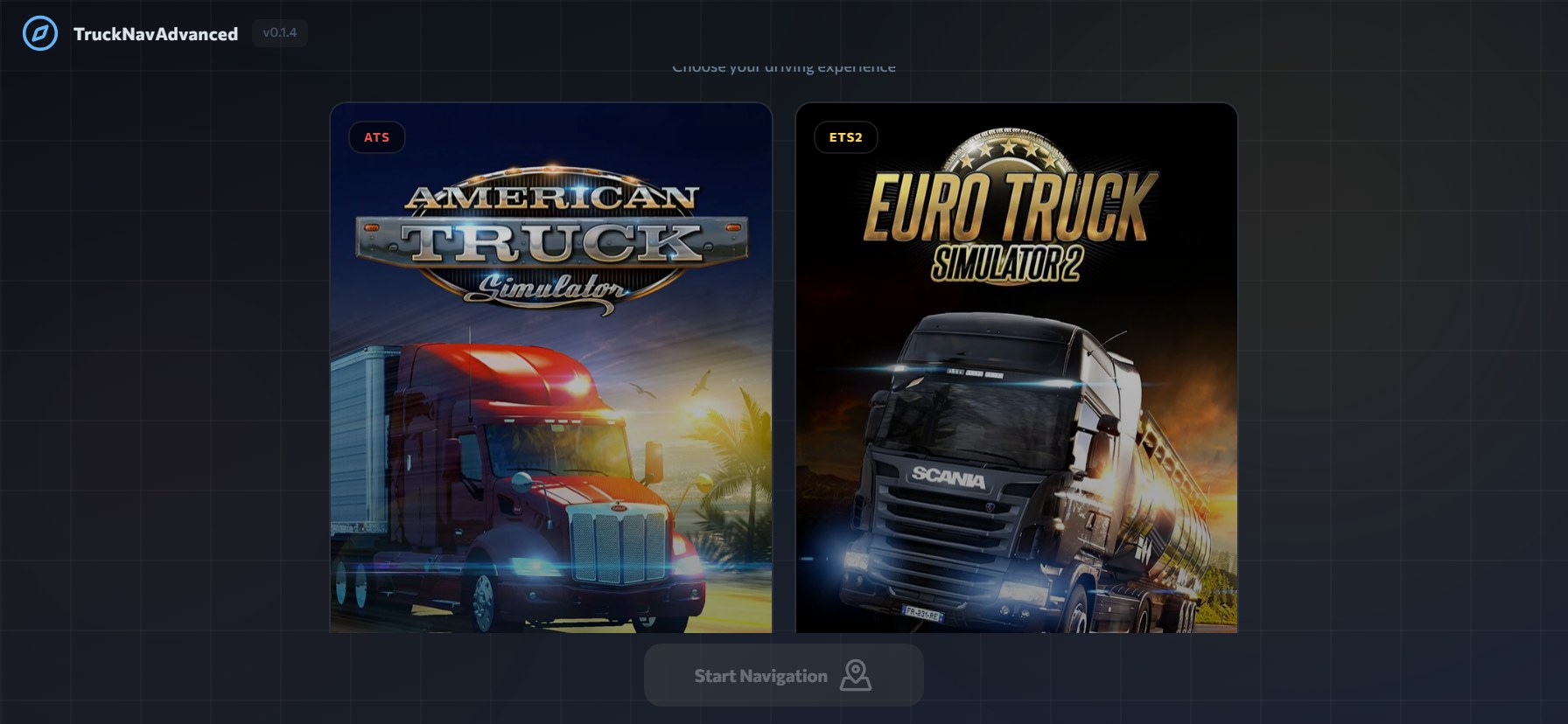
Every tool ships inside TruckDeck-Setup.exe — no separate Multimon, APK, or Head Tracking downloads. Full bundle overview
PiP on MAIN, stacked dual, and surround FOV layouts for ETS2/ATS.
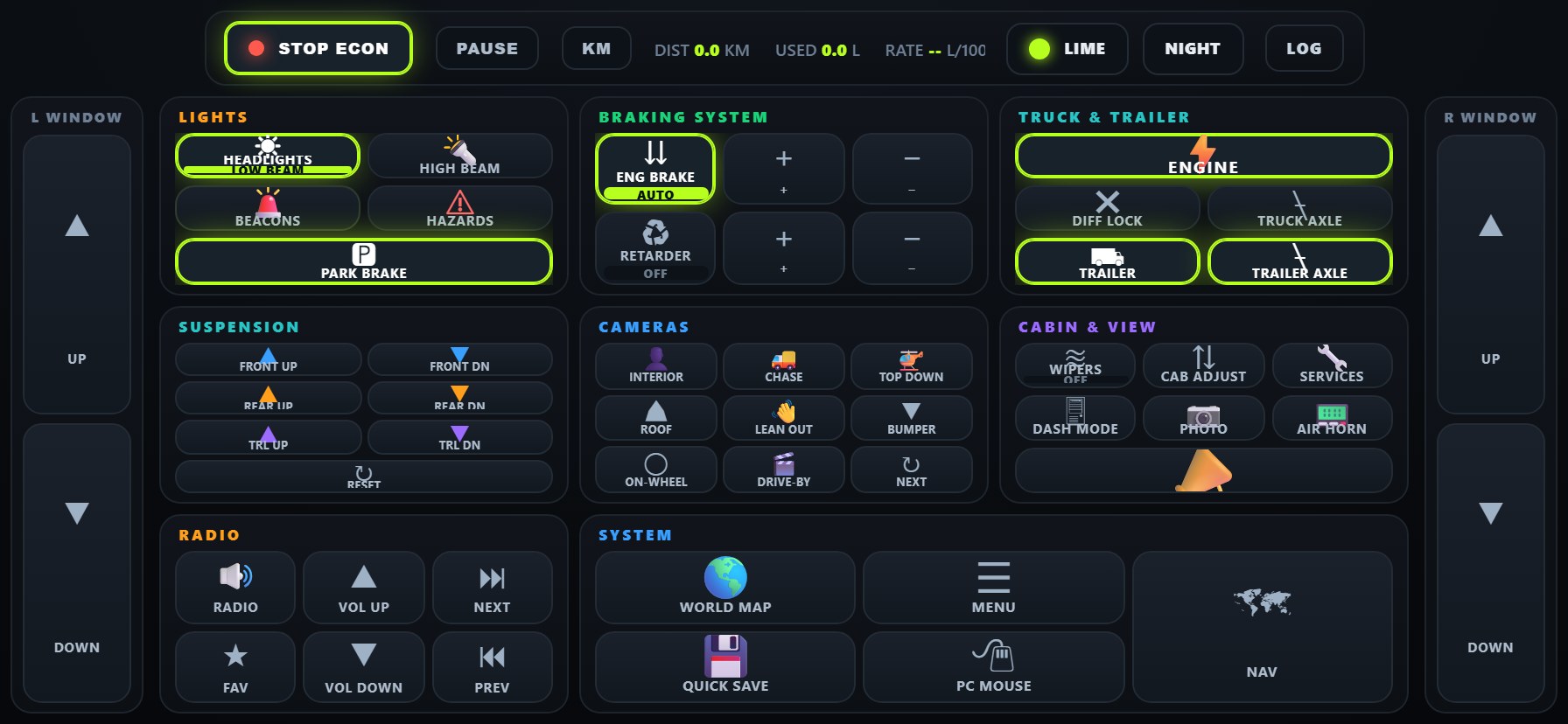
Map dashboard buttons to lights, wipers, cruise, and other in-game actions.
Webcam or phone camera → OpenTrack UDP; whole-degree remapper with 1° deadzone.
Live GPS map with PMTiles — tablet HUD plus optional cabin GPS mod.
Core TruckDeck features for ETS2 and ATS.
Real-time data from the game engine — speed, RPM, fuel, temps, and job progress updated instantly.
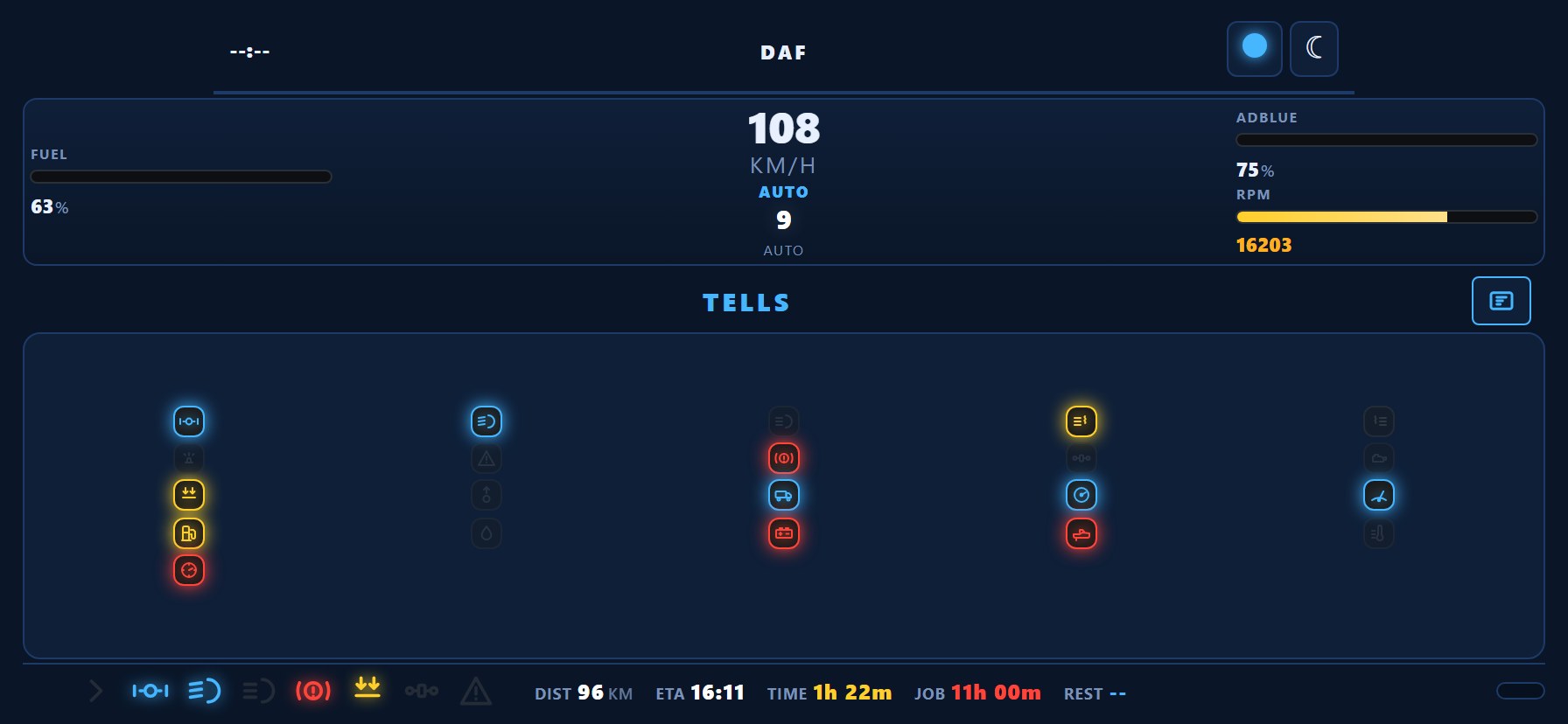
Authentic layouts for Volvo, Scania, Mercedes-Benz, DAF, and more — phone, tablet, or second screen. ATS shows US state flags next to the state name.
Hazard, speed-limit, overspeed, and telltale alerts speak on your PC — even if only NAV is open on a tablet. Choose km/h or mph and $ / £ / €.
Companion APK ships in the installer Extras — point it at your PC IP and run any TruckDeck skin beside the wheel.
Custom skins and community layouts — make the dashboard yours.
Telemetry server, dashboards, and all bundle apps in a single setup. Download TruckDeck 1.6.6.43
Install TruckDeck 1.6.6.43 — dashboards, Multimon, Bridge, Head Tracking, and NAV in one package.
Quick answers for new drivers setting up TruckDeck.
TruckDeck is a free telemetry server and dashboard suite for Euro Truck Simulator 2 and American Truck Simulator. It streams live game data to your phone, tablet, or second monitor with OEM-style skins and TruckDeck NAV GPS.
TruckDeck-Setup.exe includes Multimon, Input Bridge, Head Tracking, TruckDeck NAV, OEM dashboards, PC voice warnings, and the Android APK. See the bundle overview.
Download TruckDeck-Setup.exe, run it on Windows, launch TruckDeck while playing, then open the dashboard on your mobile device using your PC's IP address.
Yes — TruckDeck supports both ETS2 and ATS with the same Windows server and mobile dashboards.
Both are included in TruckDeck-Setup.exe. Launch them from the TruckDeck window, tray, or Start menu. Head Tracking also needs OpenTrack.
The installer includes NAV mod files in Extras. For updates, subscribe on Steam Workshop and enable the mod in Mod Manager.