
Dashboard gallery
TruckDeck skins with live mock previews, plus original Funbit classics and community contributions
from happy gamers — all shipped in server/Html/skins/.
TruckDeck dashboards
Built for TruckDeck — live animated previews, OEM clusters, and the Command Deck. Trucker’s Command Deck previews in a tablet frame (1024×768); all other TruckDeck skins use phone layout in landscape (844×390) so you can compare mocks the way you’ll actually mount them.
|
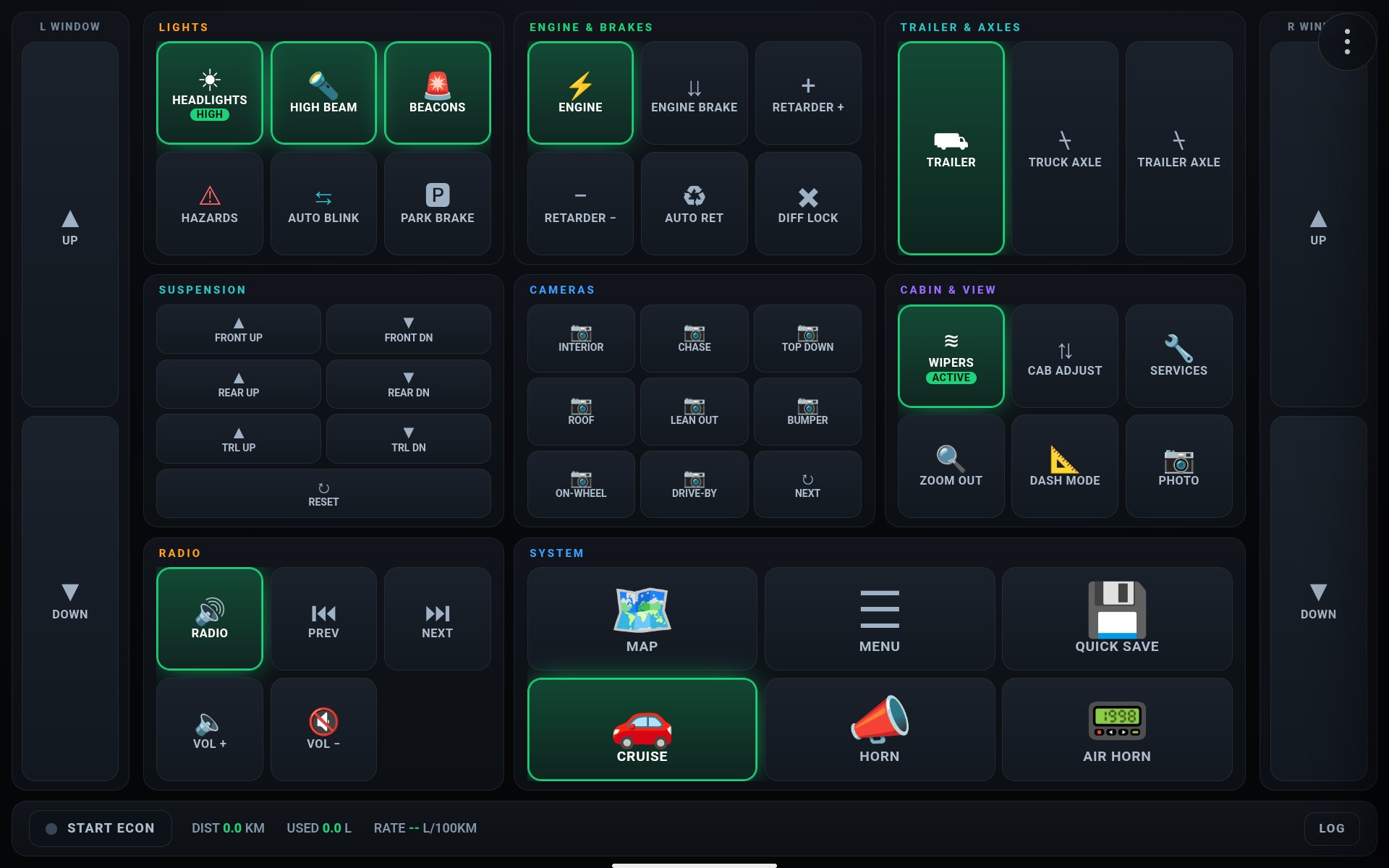
Title: Trucker's Command Deck
Type: Full control
The flagship deck — remote cab controls, GPS mirror, economy tracking, and every switch a long-hauler needs from phone or tablet.
Tablet layout
▶ Live Preview
|
|
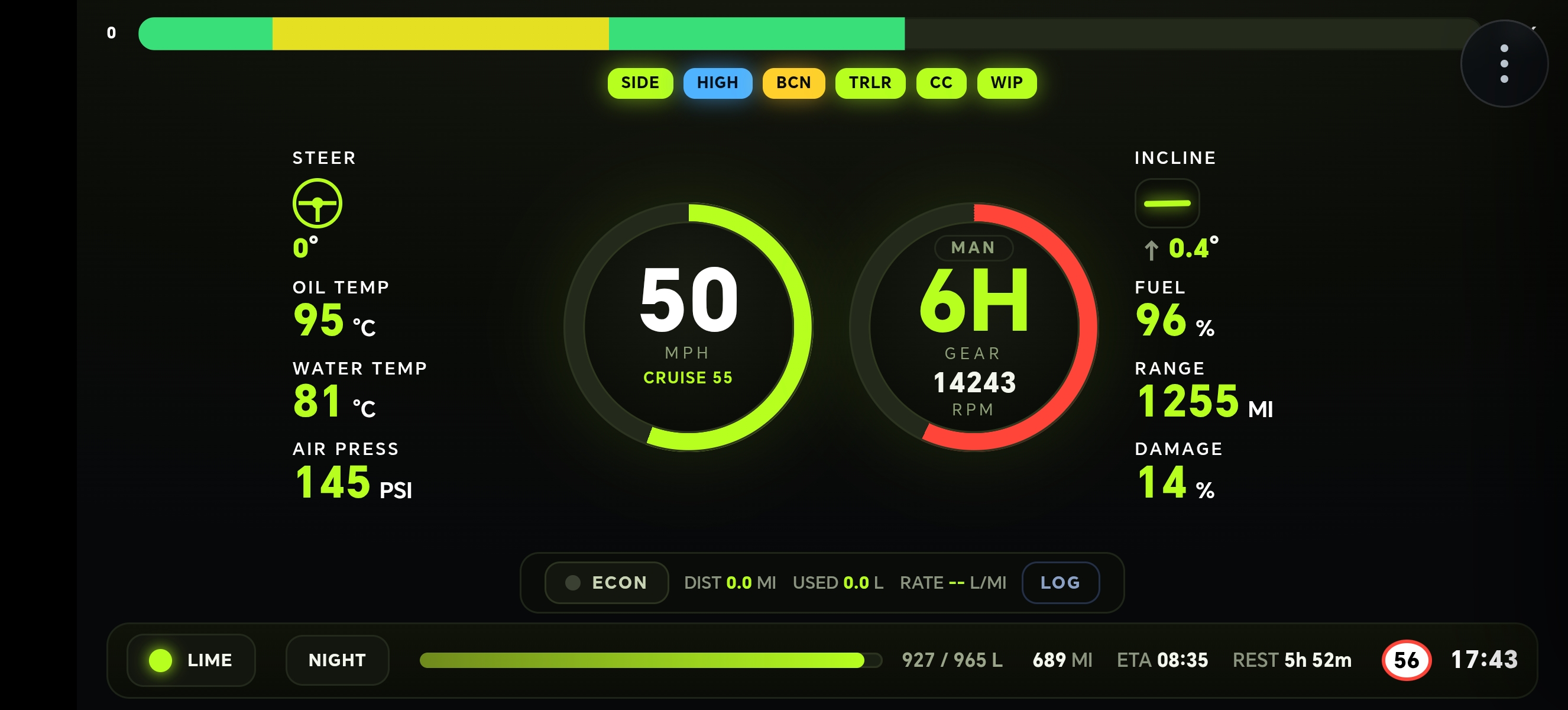
Title: TruckDeckDash
Type: Race cluster
Big Rig Cluster telemetry at a glance — speed, RPM, fuel, temps, and trip data in a motorsport-inspired layout built for ETS2 and ATS.
Phone layout
▶ Live Preview
|
|
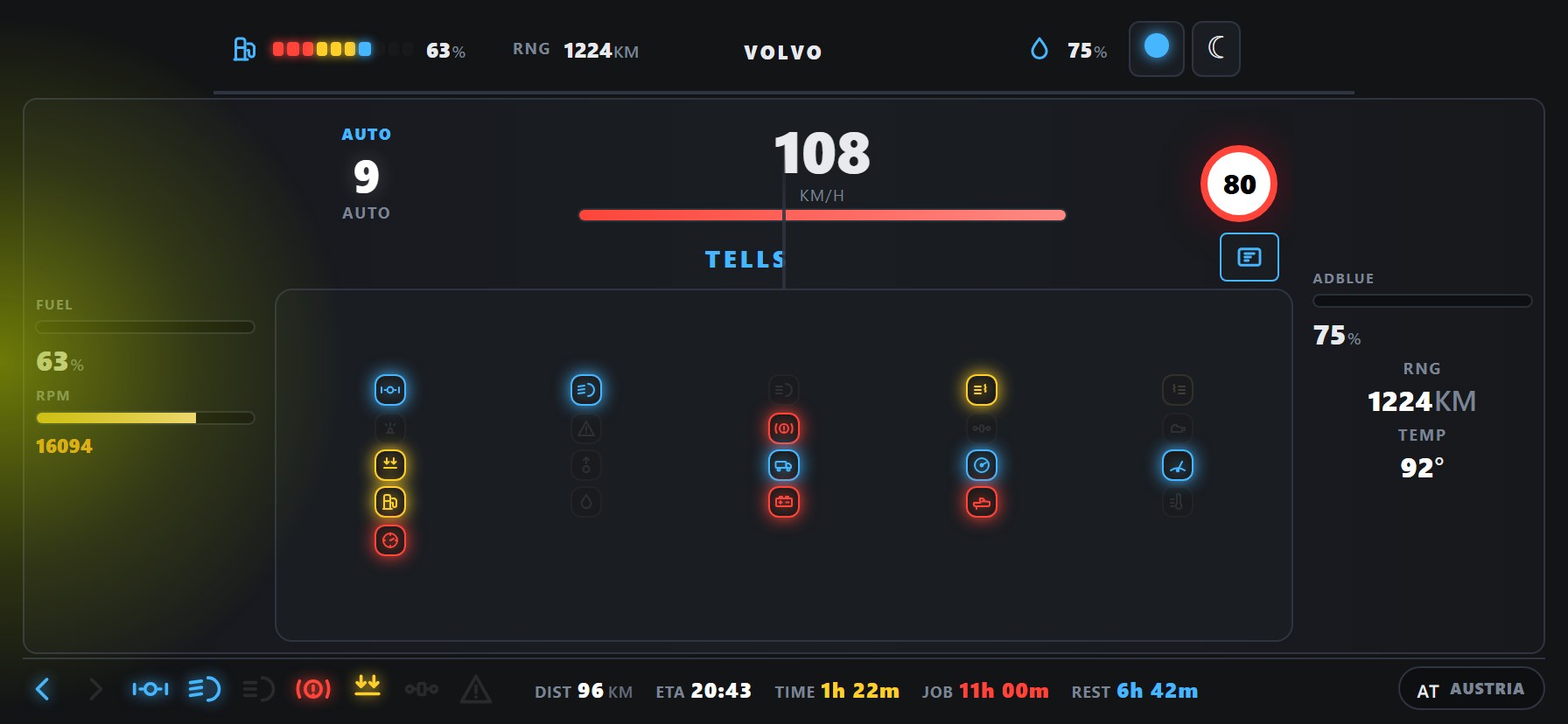
Title: TruckDeck Volvo
Type: OEM style
Digital cluster inspired by Volvo FH — crisp gauges, turn-signal edge glow, and brand-faithful readouts for your virtual Volvo cab.
Phone layout
▶ Live Preview
|
|
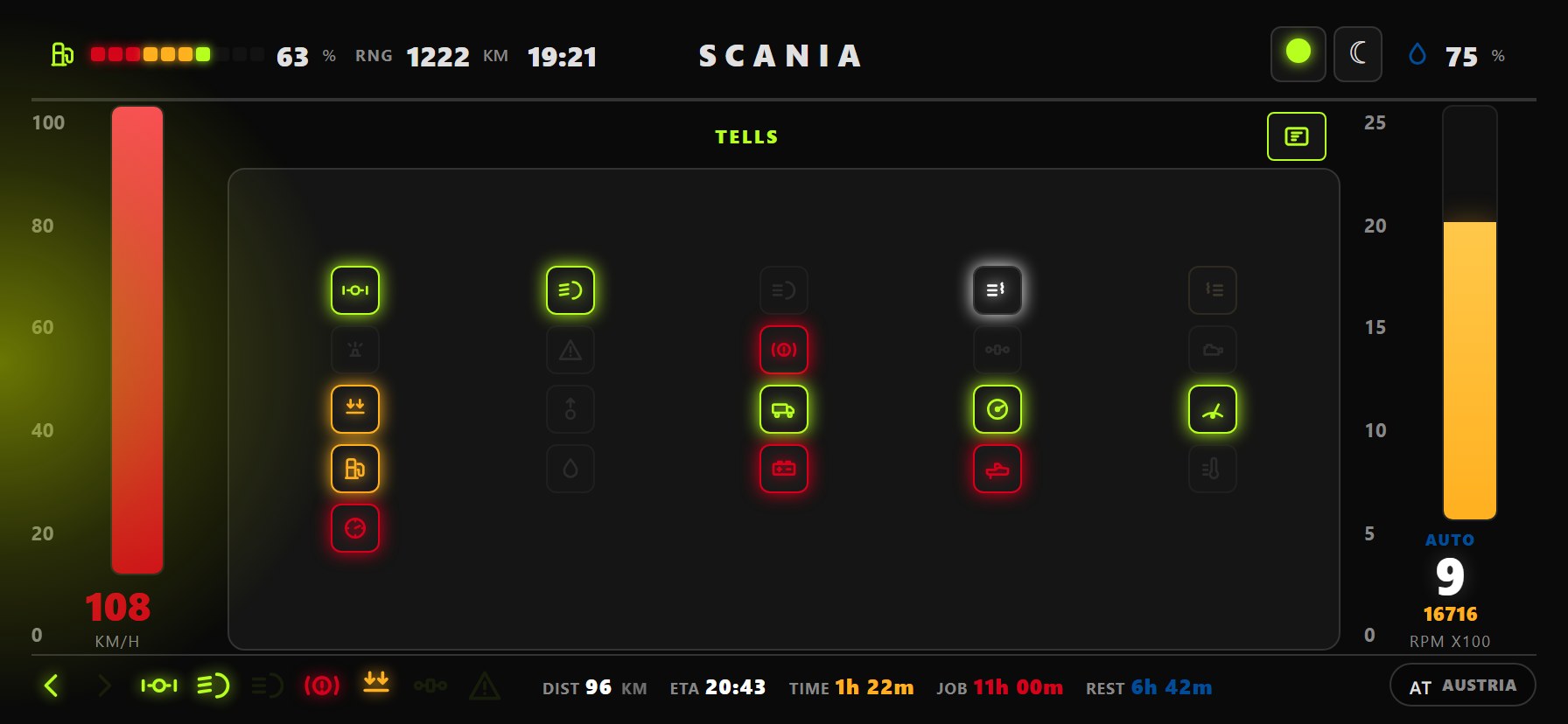
Title: TruckDeck Scania
Type: OEM style
Scania Next Gen aesthetics on your second screen — high-contrast dials and telemetry tuned for Scania drivers who live in the left lane.
Phone layout
▶ Live Preview
|
|
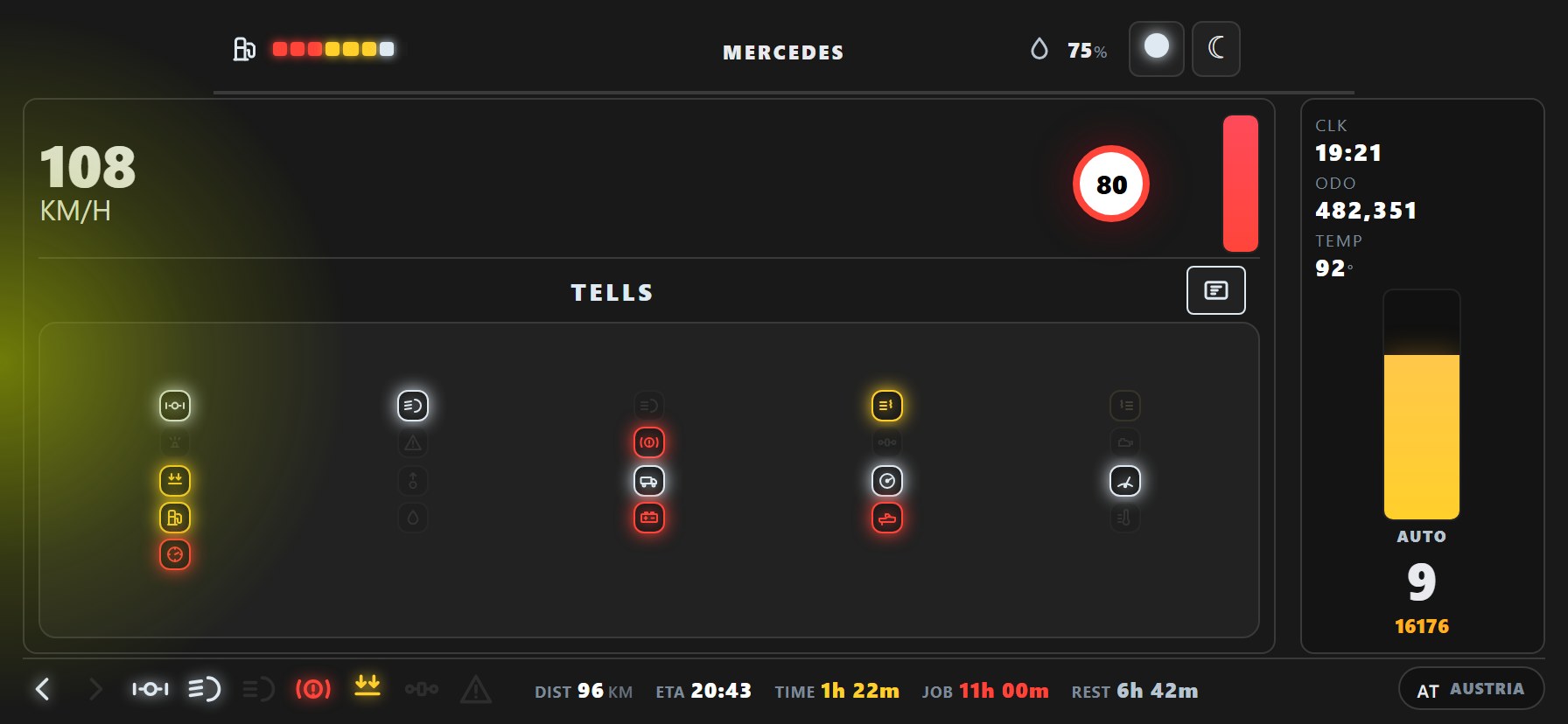
Title: TruckDeck Mercedes
Type: OEM style
Actros-style digital dash — clean Mercedes-Benz typography and layout for drivers who want factory-cab fidelity outside the game.
Phone layout
▶ Live Preview
|
|
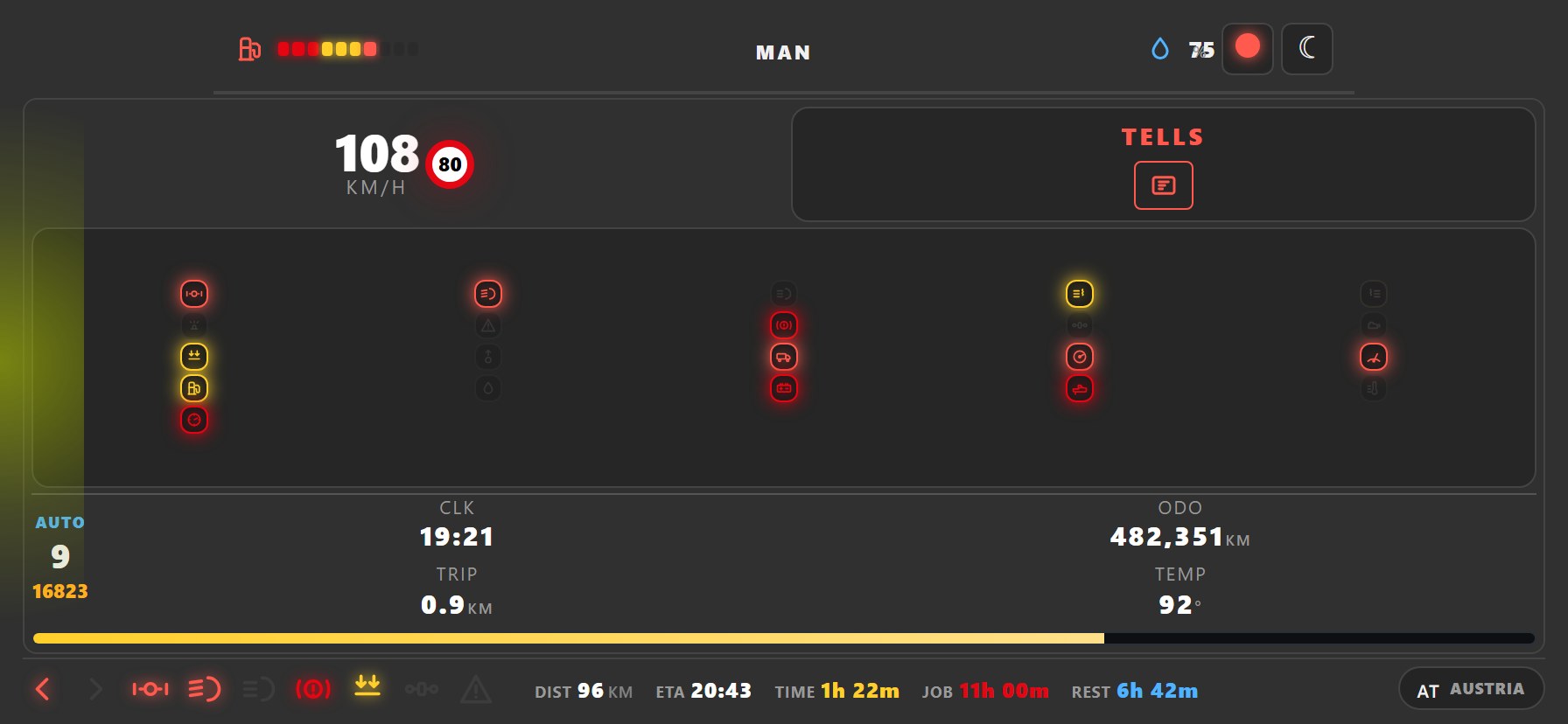
Title: TruckDeck MAN
Type: OEM style
MAN TGX digital instrument panel — bold MAN design language with live speed, fuel, and warning indicators from your rig.
Phone layout
▶ Live Preview
|
|
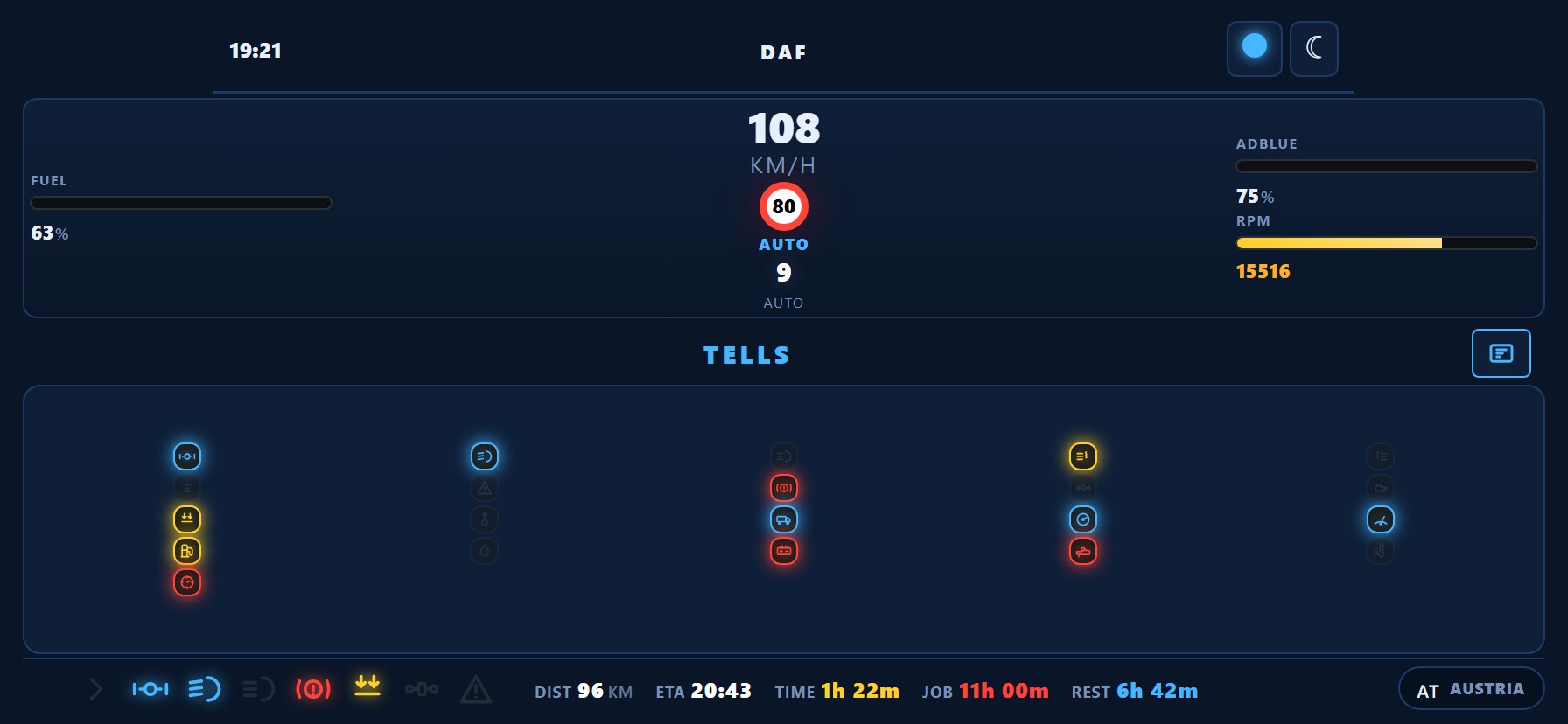
Title: TruckDeck DAF
Type: OEM style
DAF XF/XD cluster replica — Dutch engineering on your desk or dash mount, sized for phone, tablet, or ultrawide.
Phone layout
▶ Live Preview
|
|
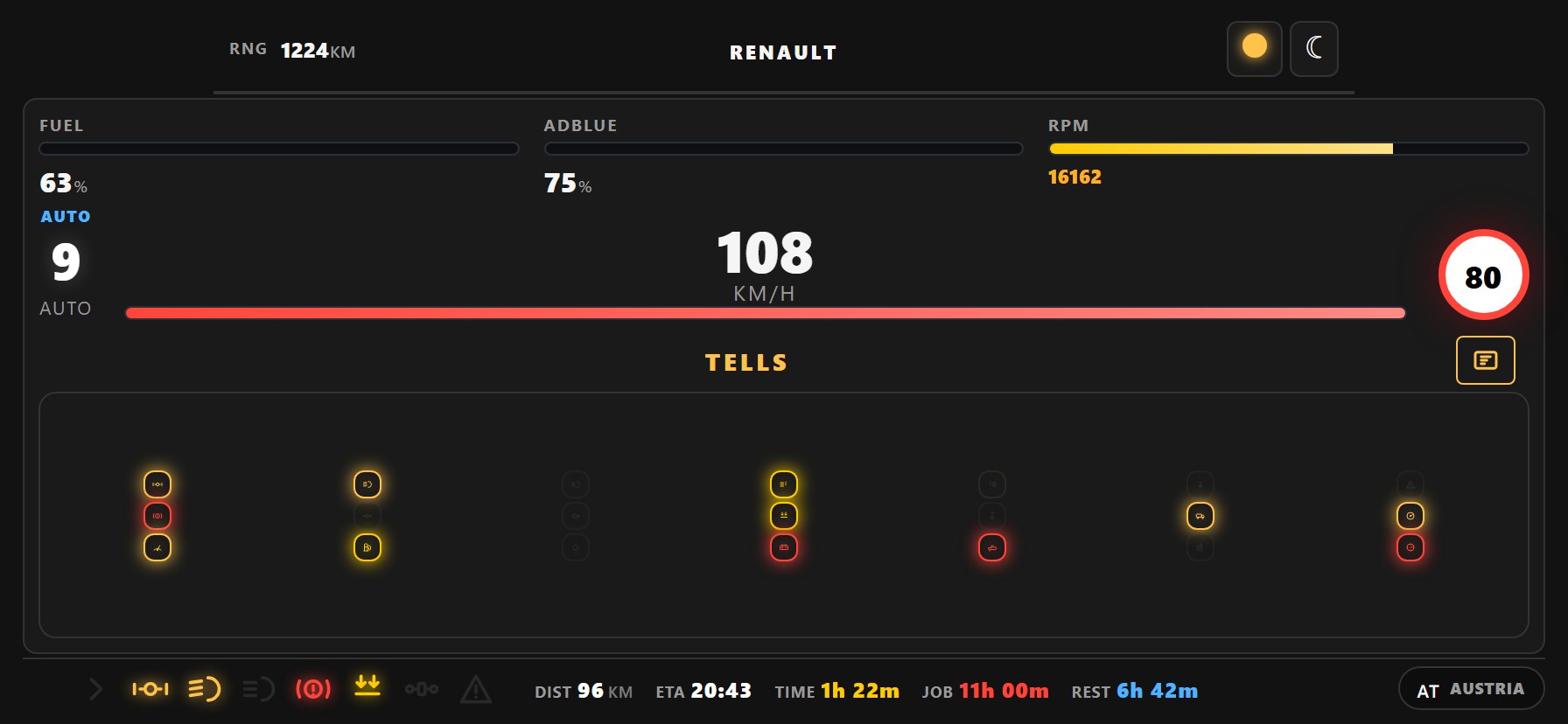
Title: TruckDeck Renault
Type: OEM style
Renault T-series digital cockpit — Renault Trucks styling with full telemetry feed for haulers across Europe and beyond.
Phone layout
▶ Live Preview
|
Funbit classics & community skins
Original skins from the Funbit telemetry ecosystem and contributions from happy gamers —
preserved under skins/og/. Found a favorite? Copy its folder to
skins/ (the main skins directory) and it appears in your TruckDeck menu — then enjoy the ride.
Or pick any skin below when connected to your game server on port 25555.
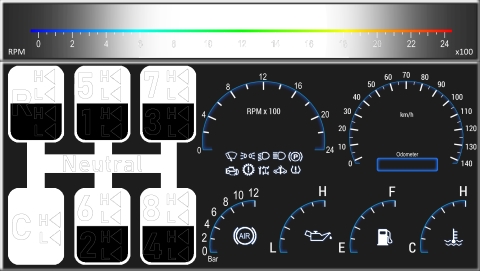
|
Title: Gear Shift helper for Telemetry V4.1.2
Author: Trinity
Type: Funbit classic
Size: 2381 × 1352
Original telemetry skin by Trinity — from the Funbit ecosystem, carried forward in TruckDeck for the sim community.
|
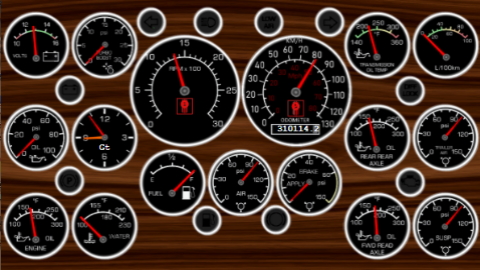
|
Title: Kenworth K100E
Author: Trinity4u
Type: Funbit classic
Size: 1366 × 768
Original telemetry skin by Trinity4u — from the Funbit ecosystem, carried forward in TruckDeck for the sim community.
|
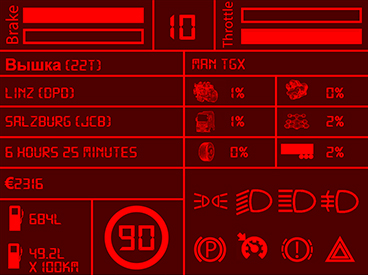
|
Title: RenaultDash-Info
Author: Argiano
Type: Funbit classic
Size: 1920 × 1440
Original telemetry skin by Argiano — from the Funbit ecosystem, carried forward in TruckDeck for the sim community.
|
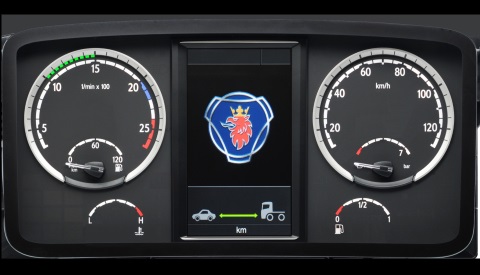
|
Title: Scania Dashboard
Author: Klauzzy
Type: Funbit classic
Size: 2030 × 1035
Original telemetry skin by Klauzzy — from the Funbit ecosystem, carried forward in TruckDeck for the sim community.
|
|
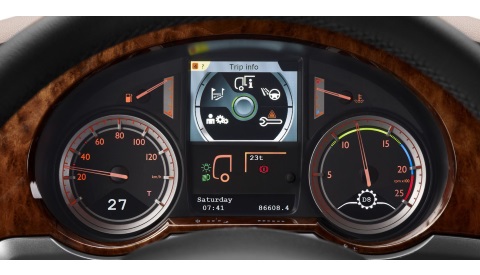
Title: DAF XF Dashboard
Author: Klauzzy
Type: Funbit classic
Size: 2000 × 1056
Original telemetry skin by Klauzzy — from the Funbit ecosystem, carried forward in TruckDeck for the sim community.
|
|
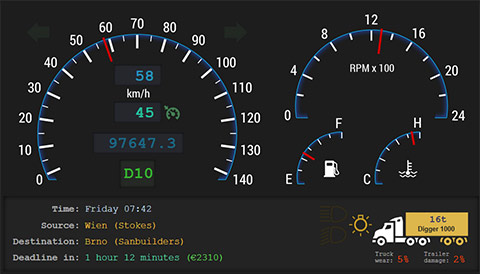
Title: Generic Dashboard / KMH
Author: Funbit
Type: Funbit classic
Size: 2048 × 1152
Original telemetry skin by Funbit — from the Funbit ecosystem, carried forward in TruckDeck for the sim community.
|
|
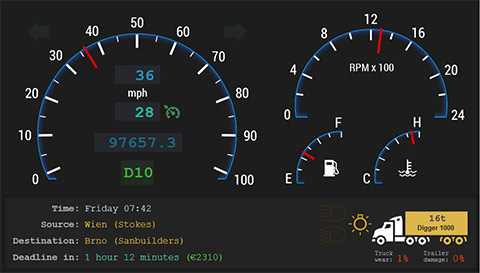
Title: Generic Dashboard / MPH
Author: Funbit
Type: Funbit classic
Size: 2048 × 1152
Original telemetry skin by Funbit — from the Funbit ecosystem, carried forward in TruckDeck for the sim community.
|
|
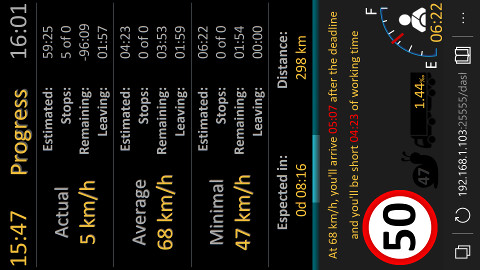
Title: Job Monitor
Author: Paulo Cunha / Funbit
Type: Funbit classic
Size: 1080 × 1770
Original telemetry skin by Paulo Cunha / Funbit — from the Funbit ecosystem, carried forward in TruckDeck for the sim community.
|
|
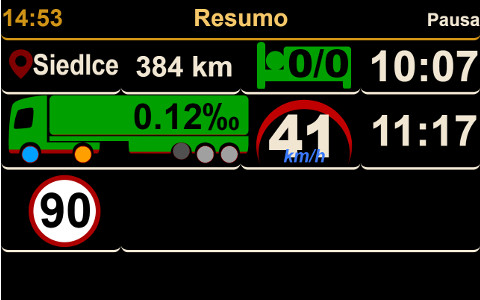
Title: Job Monitor 2 Landscape
Author: Paulo Cunha (with thanks to: Funbit, Mike and Jianqun)
Type: Funbit classic
Size: 2000 × 1375
Original telemetry skin by Paulo Cunha (with thanks to: Funbit, Mike and Jianqun) — from the Funbit ecosystem, carried forward in TruckDeck for the sim community.
|
|
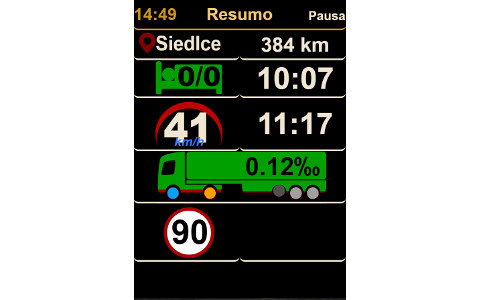
Title: Job Monitor 2 Portrait
Author: Paulo Cunha (with thanks to: Funbit, Mike and Jianqun)
Type: Funbit classic
Size: 1080 × 1770
Original telemetry skin by Paulo Cunha (with thanks to: Funbit, Mike and Jianqun) — from the Funbit ecosystem, carried forward in TruckDeck for the sim community.
|
|
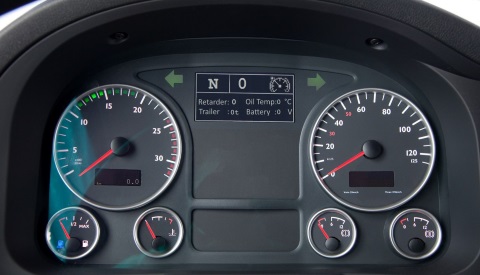
Title: MAN TGX Dashboard / KMH
Author: Klauzzy
Type: Funbit classic
Size: 2048 × 1152
Original telemetry skin by Klauzzy — from the Funbit ecosystem, carried forward in TruckDeck for the sim community.
|
|
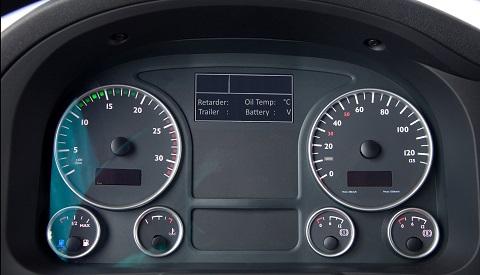
Title: MAN TGX Dashboard / MPH
Author: Klauzzy & Nino Scholz
Type: Funbit classic
Size: 2048 × 1152
Original telemetry skin by Klauzzy & Nino Scholz — from the Funbit ecosystem, carried forward in TruckDeck for the sim community.
|
|
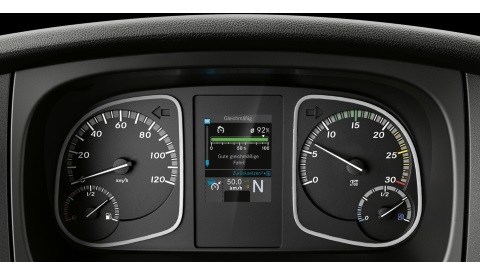
Title: Mercedes Benz Atego MP4 Dashboard
Author: Klauzzy
Type: Funbit classic
Size: 1501 × 779
Original telemetry skin by Klauzzy — from the Funbit ecosystem, carried forward in TruckDeck for the sim community.
|
|
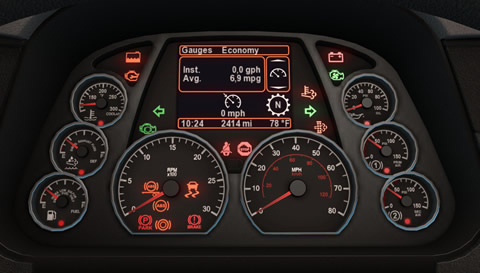
Title: Peterbilt 579 / MPH
Author: NightstalkerPL, Lisek Chytrusek (by WEBX.PL)
Type: Funbit classic
Size: 1920 × 1080
Original telemetry skin by NightstalkerPL, Lisek Chytrusek (by WEBX.PL) — from the Funbit ecosystem, carried forward in TruckDeck for the sim community.
|
|
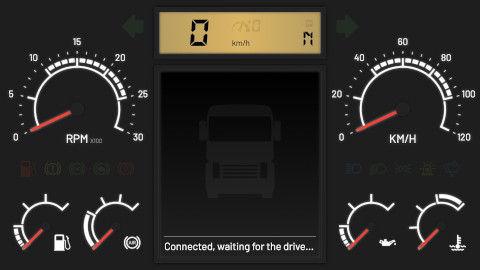
Title: T Dashboard 4.0.1
Author: Jianqun Z. (www.jianqun.me)
Type: Funbit classic
Size: -1 × -1
Original telemetry skin by Jianqun Z. (www.jianqun.me) — from the Funbit ecosystem, carried forward in TruckDeck for the sim community.
|
|
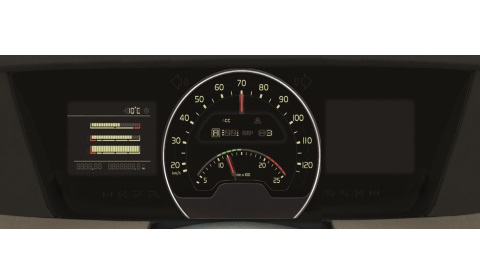
Title: Volvo FH 2012 Dashboard
Author: Klauzzy
Type: Funbit classic
Size: 2000 × 664
Original telemetry skin by Klauzzy — from the Funbit ecosystem, carried forward in TruckDeck for the sim community.
|
TruckDeck skins include simulated live previews. Community skins show their
dashboard.jpg splash — run TruckDeck.exe and connect on port 25555 to use them in-game.